
Turn long videos into clips.
Faster than ever.
Turn long videos into ready-to-use clips in just a few clicks.
Go from hours of footage to hundreds of clips in minutes.


With love for editors and creators
Features
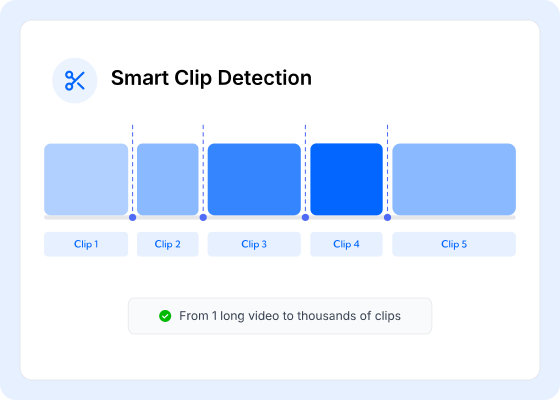
Automatic Scene Detection
Clipter detects scene changes and splits your video into clean, ready-to-use clips.
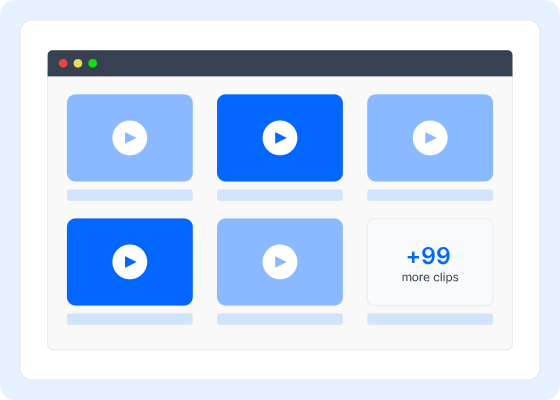
Export hundreds of clips
Generate thousands of clips in a single run. No manual cutting, no repetitive work.
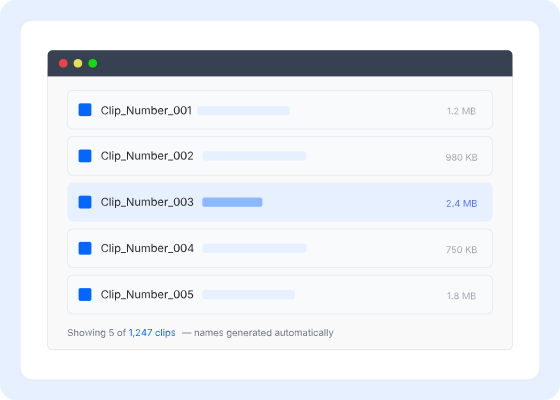
Organize clips automatically
Add prefixes and generate structured file names for thousands of clips.
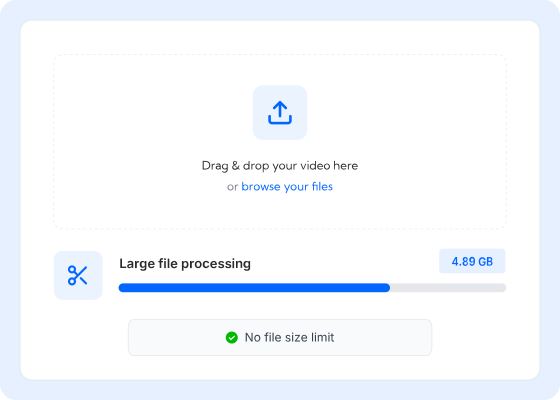
Handles Massive Files
Handle long recordings and large files without limits, depending on your system.
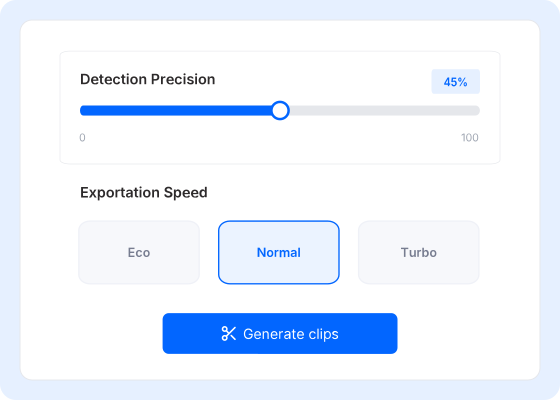
Adjust how clips are detected
Fine-tune sensitivity to capture subtle cuts or only major scene changes.
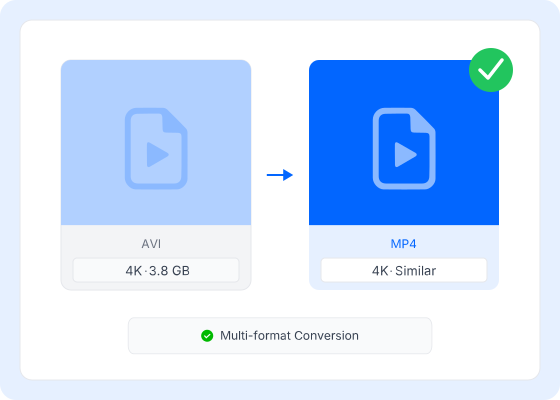
Keep the original quality
Clips are created without re-rendering, preserving the original file quality.
One-time payment.
Lifetime ownership. Early users get the best deal. Secure the lowest price while it lasts.
before price increases to $29
Buy once, own it forever. Your purchase includes the full v1.0 version and technical support. No subscriptions, no hidden fees.
Future major versions or cloud features may be priced separately, but your version is yours to keep forever.
- OS: Windows 10 or 11 (64-bit).
- Processor: Intel Core i3 (6th Gen+) or AMD Ryzen with integrated graphics.
- Graphics: Hardware acceleration support (Intel QSV, Nvidia NVENC, or AMD AMF).
- Storage: 350 MB free space for the app + extra space for your clips.
Frequently asked questions
How does Clipter work?
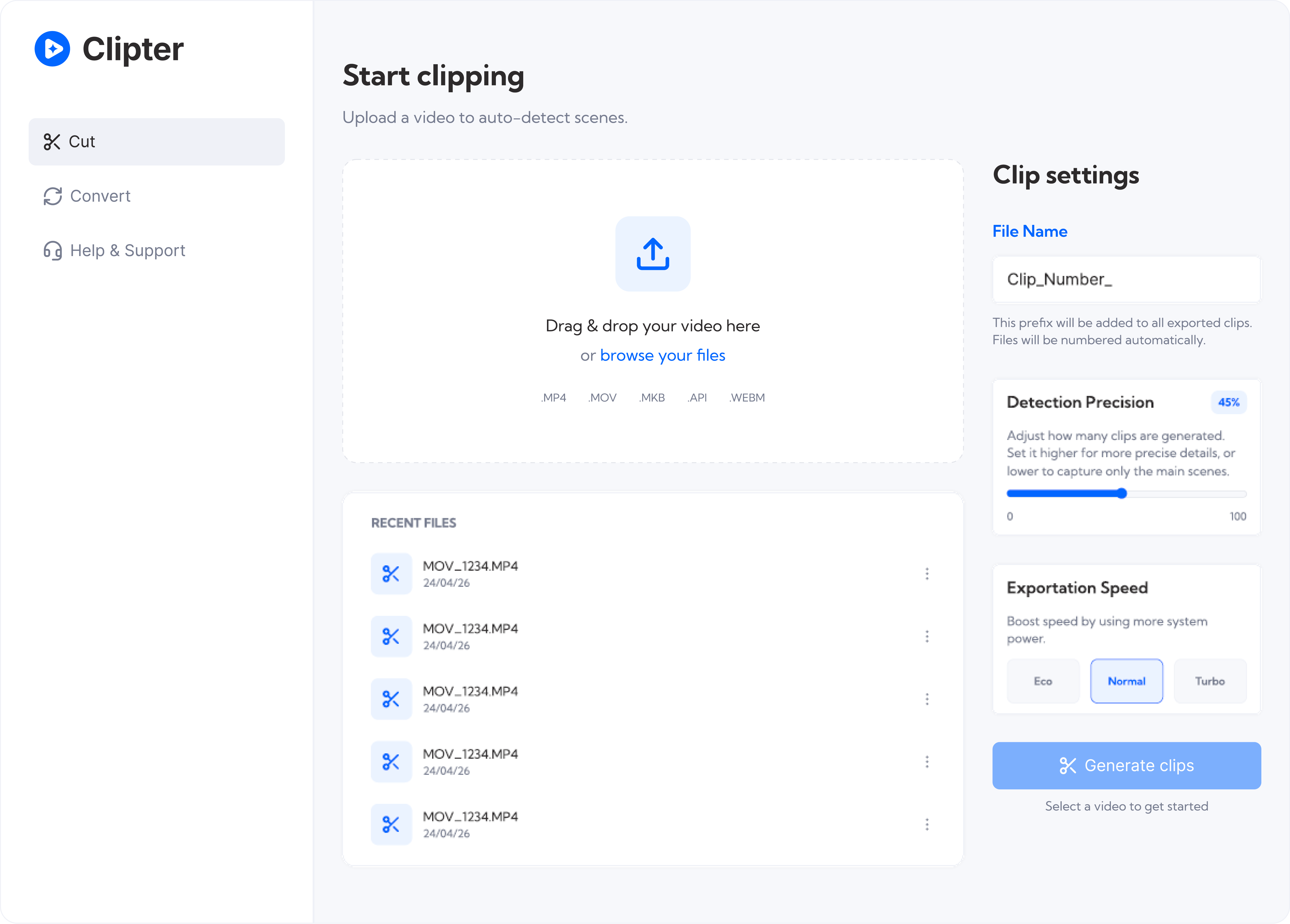
Clipter analyzes your video file, detects scene changes automatically, and splits it into individual clips. Just drag and drop your video, adjust the sensitivity if needed, and click Start Clipping.
Will I lose video quality?
No. Clipter splits clips without re-encoding the video stream, so it always tries to preserve the original quality without variations: no compression artifacts or loss of resolution.
Do I need editing experience?
None at all. Clipter handles everything automatically. No timeline, no keyframes, no complex interface — just drop your video and get clips.
Is there a limit on video size?
There are no predefined file size limits. The maximum file size you can process depends on your hardware, such as the processor, GPU, RAM, and storage available on your system. Most modern computers can handle files between 10 and 50 GB without problems.
Is my PC compatible?
Clipter is designed to run on Windows 10/11 with modern hardware (2015 and later). If you have a 6th generation Intel Core processor or higher, or a dedicated graphics card, you'll enjoy near-instant exports. Otherwise, the program is not compatible.

Ready to start clipping?
Turn your next long video into hundreds (or thousands) of clips—automatically.
Download for $9